
VRChat

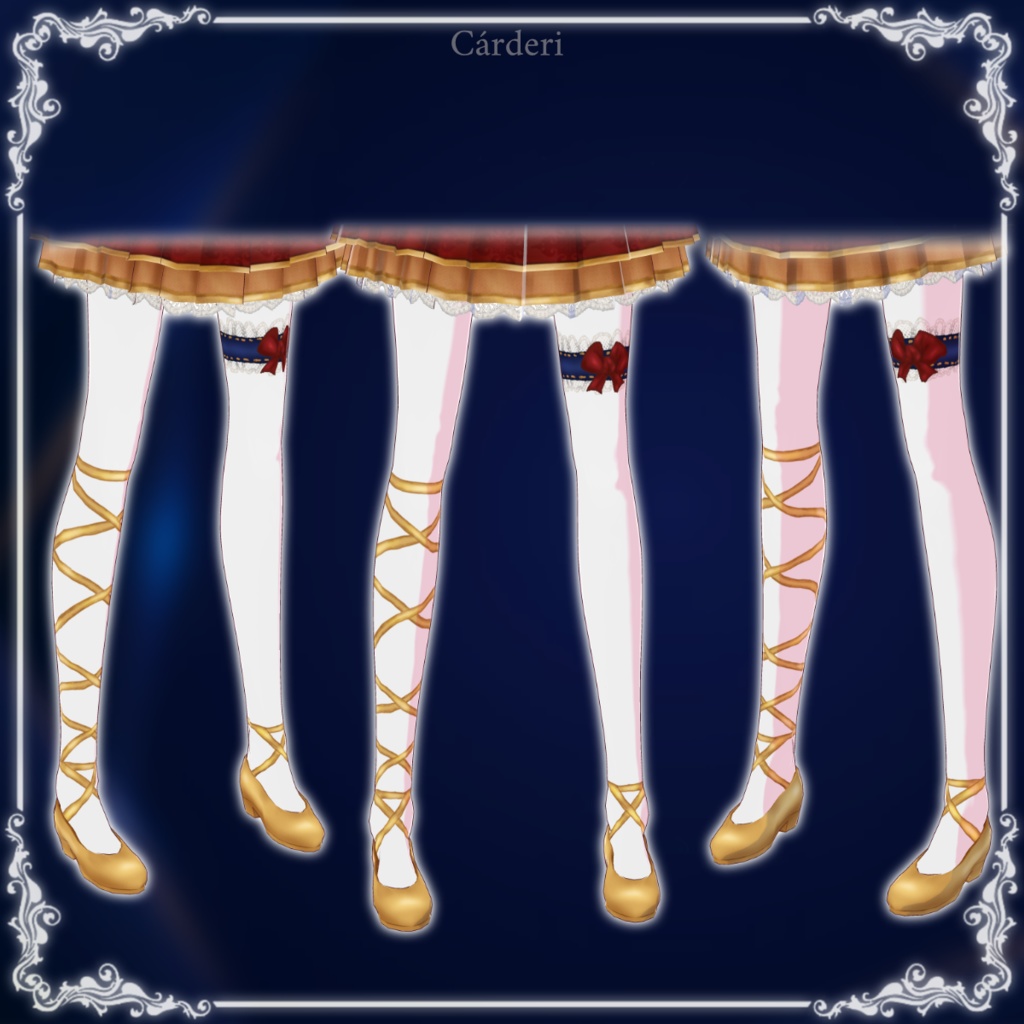
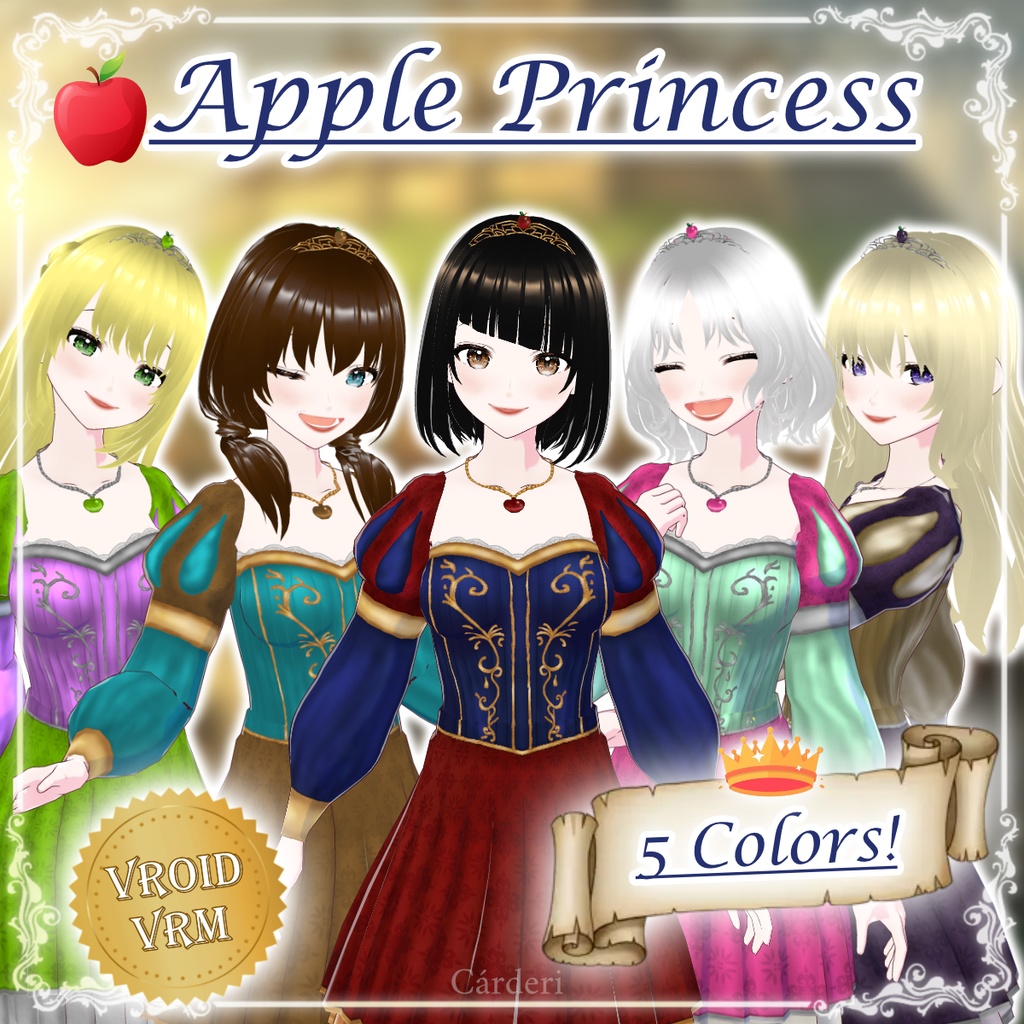
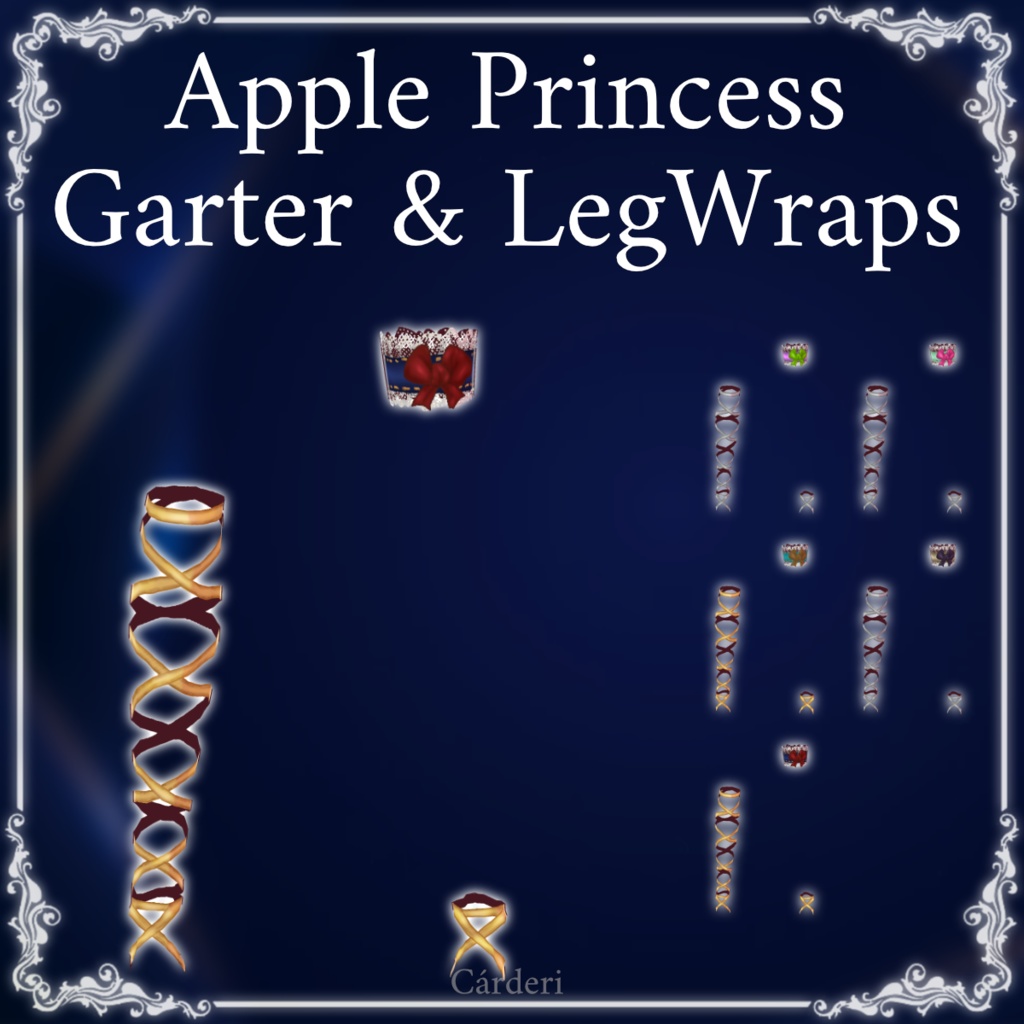
Apple Princess: Garter & LegWraps || .png & .vroidcustomitems || (Cárderi)

  • ダウンロード商品
    ApplePrincess_Garter_LegWraps
    ¥ 403
  • ダウンロード商品
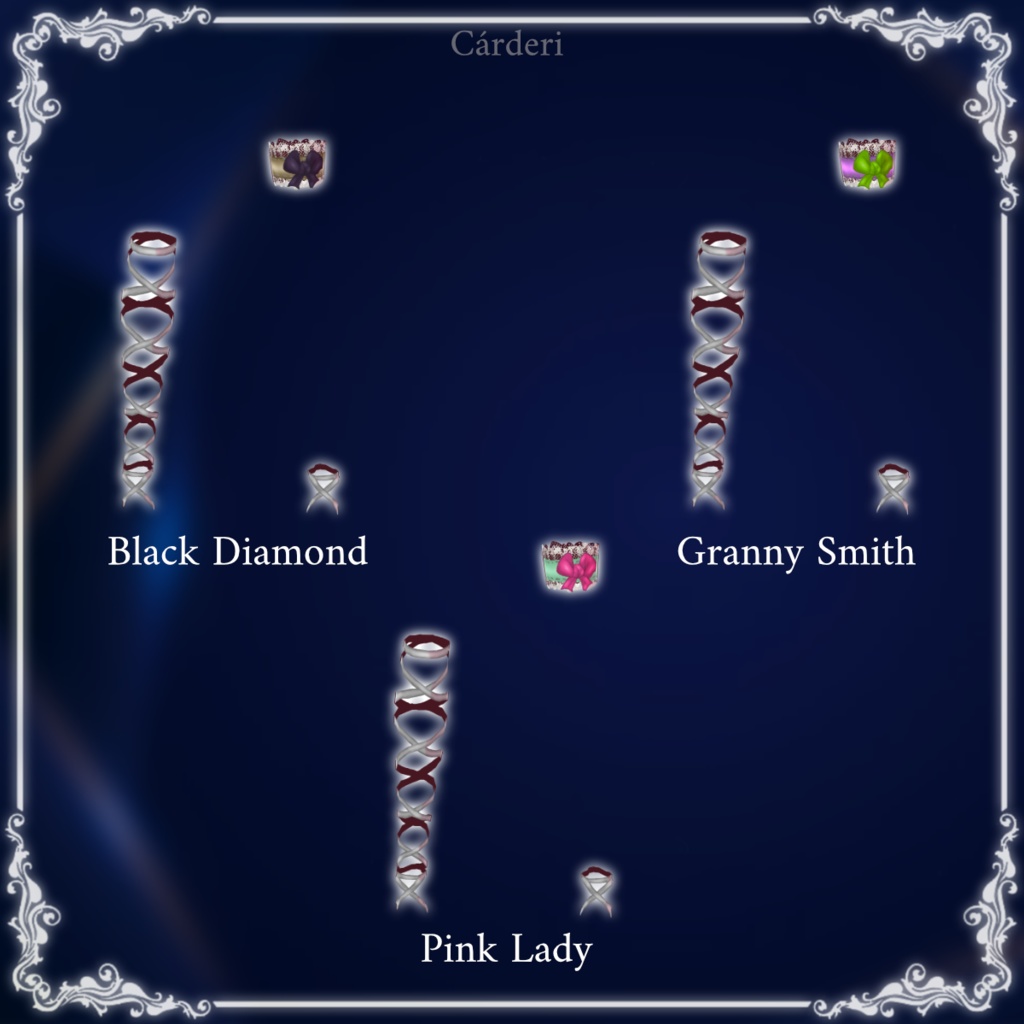
    ApplePrincess_BlackDiamond_Garter_LegWraps
    ¥ 107
  • ダウンロード商品
    ApplePrincess_GrannySmith_Garter_LegWraps
    ¥ 107
  • ダウンロード商品
    ApplePrincess_PinkLady_Garter_LegWraps
    ¥ 107
  • ダウンロード商品
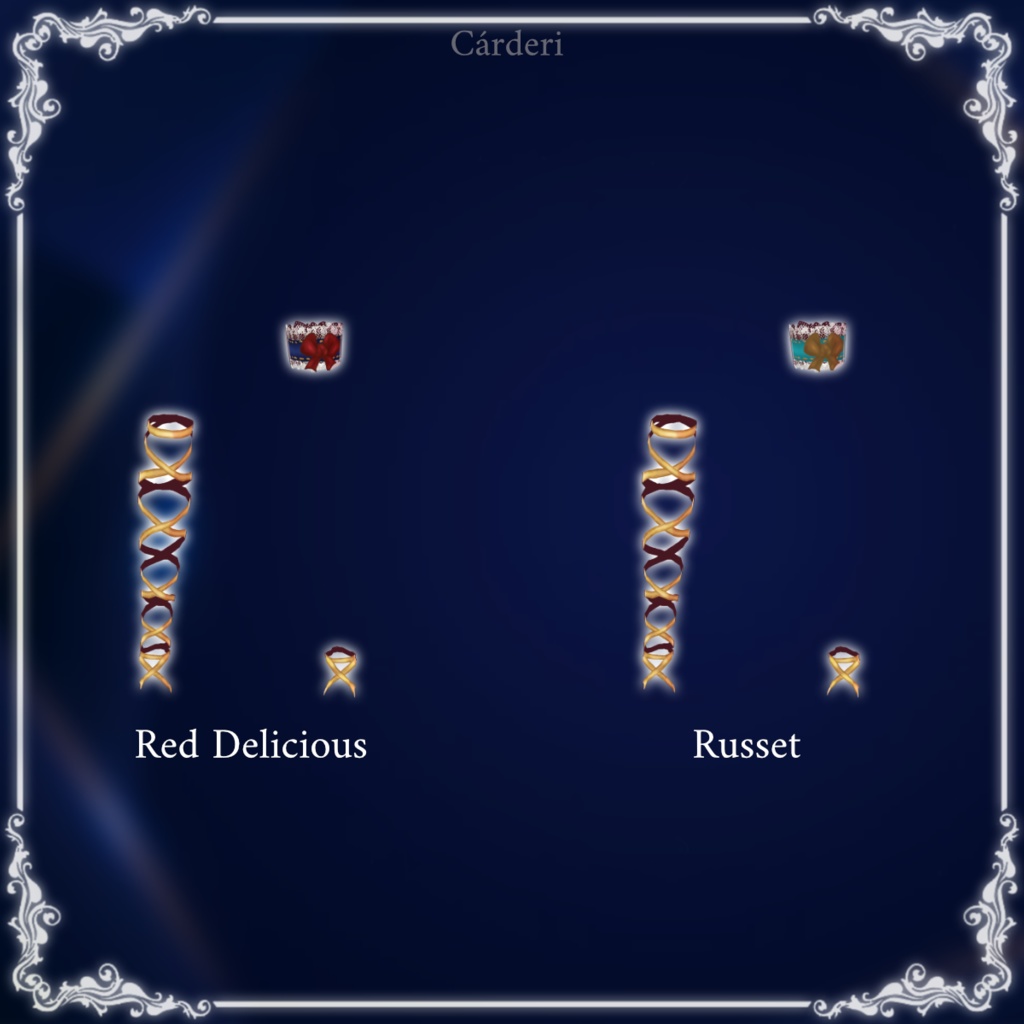
    ApplePrincess_RedDelicious_Garter_LegWraps
    ¥ 107
  • ダウンロード商品
    ApplePrincess_Russet_Garter_LegWraps
    ¥ 107

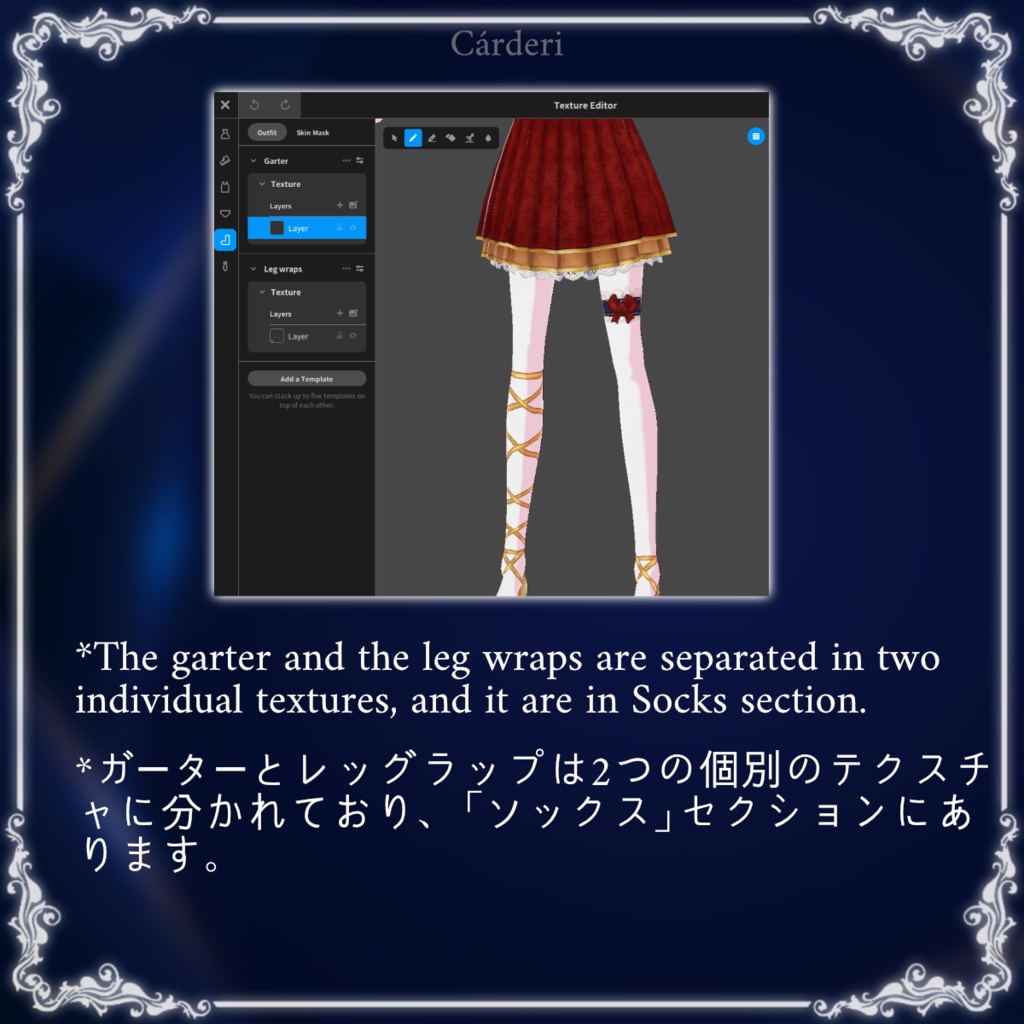
What the zip contains: ◆ If is only one item (for example, the Black Diamond Garter & LegWraps): - Textures [Folder] -> here we have all the .png textures: - Garter - LegWraps - AP_BD_Garter&LegWraps.vroidcustomitem -> this is the object that you can upload to Vroid - info.txt -> this document :3 - 01.png -> a render, for identify the object just looking at the image ◆ If is all the dresses together: - All the dresses' folders (five) with their vroid custom item and the .png textures - The info.file -> this document :3 - One render of the dresses --------- zipファイルの内容: ◆ アイテムが1つの場合(例:Black Diamond Garter & LegWraps): - Textures [フォルダ] -> ここにはすべての.pngテクスチャが含まれています: - Garter - LegWraps - AP_BD_Garter&LegWraps.vroidcustomitem -> これはVroidにアップロードできるオブジェクトです - info.txt -> このドキュメント :3 - 01.png -> レンダリング画像。画像を見るだけでオブジェクトを識別できます ◆ すべてのドレスが一緒の場合: - すべてのドレス(5点)のフォルダ。各フォルダにはVroidカスタムアイテムと.pngテクスチャが含まれています - info.txt -> このドキュメント :3 - ドレスのレンダリング画像1枚
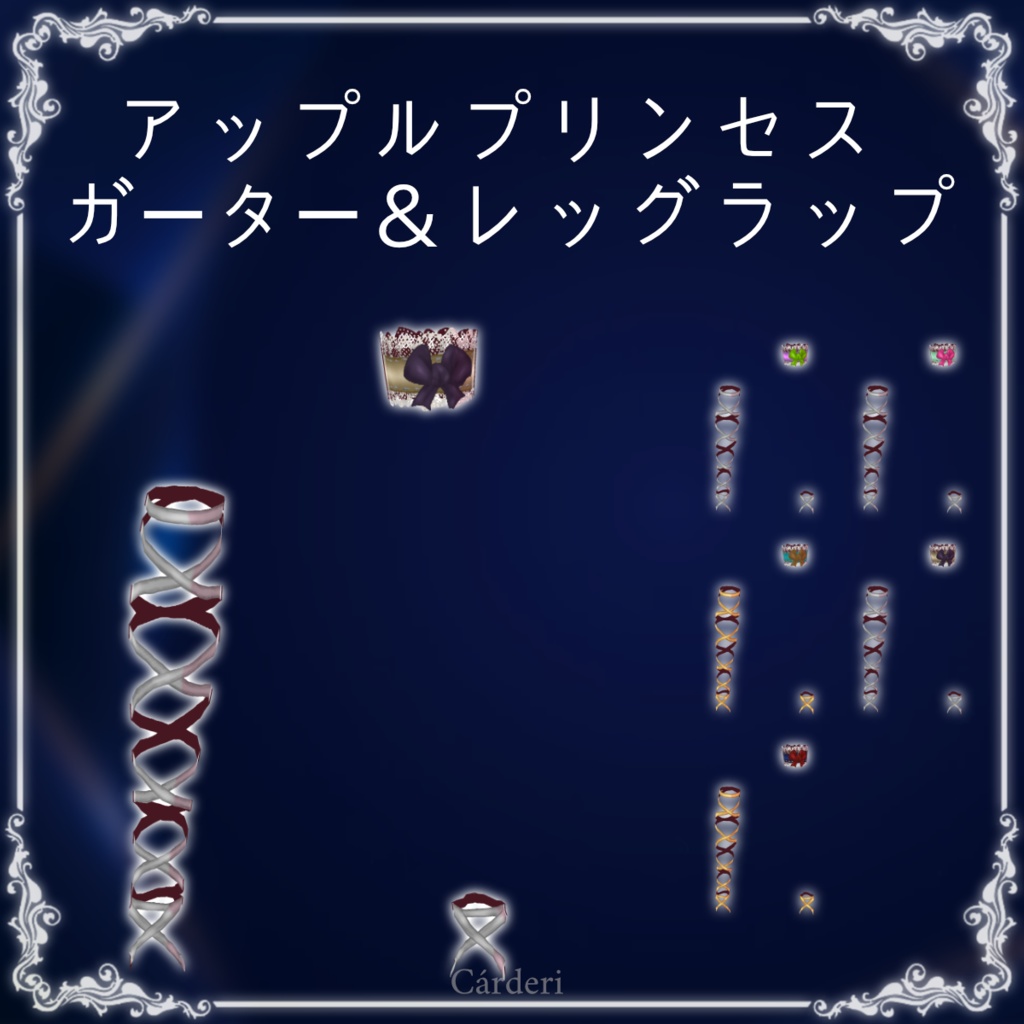
Apple Princess: Garter & LegWraps || .png & .vroidcustomitems || (Cárderi)
What the zip contains: ◆ If is only one item (for example, the Black Diamond Garter & LegWraps): - Textures [Folder] -> here we have all the .png textures: - Garter - LegWraps - AP_BD_Garter&LegWraps.vroidcustomitem -> this is the object that you can upload to Vroid - info.txt -> this document :3 - 01.png -> a render, for identify the object just looking at the image ◆ If is all the dresses together: - All the dresses' folders (five) with their vroid custom item and the .png textures - The info.file -> this document :3 - One render of the dresses --------- zipファイルの内容: ◆ アイテムが1つの場合(例:Black Diamond Garter & LegWraps): - Textures [フォルダ] -> ここにはすべての.pngテクスチャが含まれています: - Garter - LegWraps - AP_BD_Garter&LegWraps.vroidcustomitem -> これはVroidにアップロードできるオブジェクトです - info.txt -> このドキュメント :3 - 01.png -> レンダリング画像。画像を見るだけでオブジェクトを識別できます ◆ すべてのドレスが一緒の場合: - すべてのドレス(5点)のフォルダ。各フォルダにはVroidカスタムアイテムと.pngテクスチャが含まれています - info.txt -> このドキュメント :3 - ドレスのレンダリング画像1枚